


Download

The Optimal
Digital B-Card

Free sign-up, share anytime
Social & business all in one
Diverse templates to choose

Why should you use SPIDERCARD?

B-card / Website

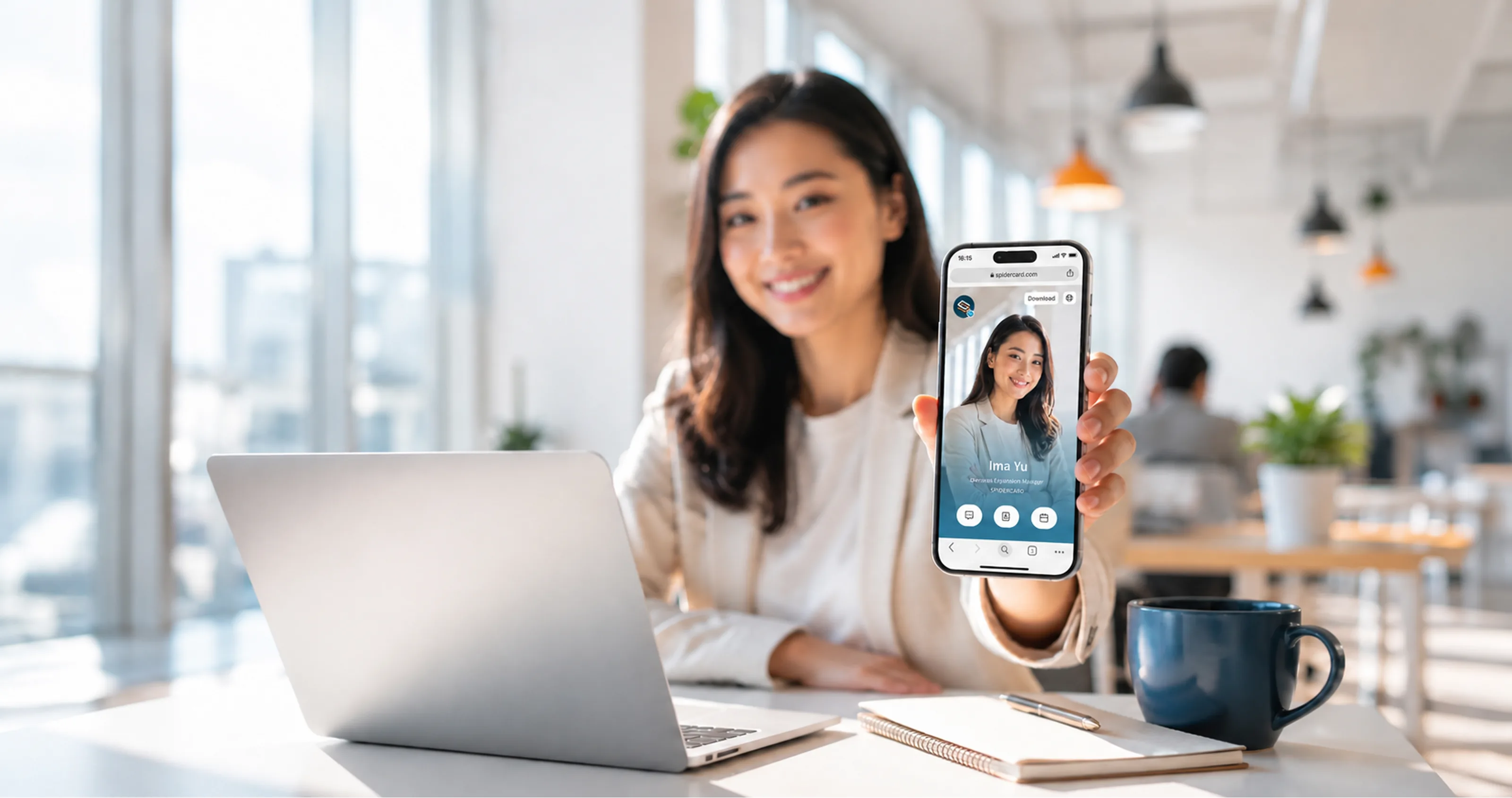
Website integrating personal details.

Distance-Free

Share it! anyone, anytime, anywhere.

Social Media

Add social media links and more.

Contact Saving

Save your card as contact details.

Edit Anytime

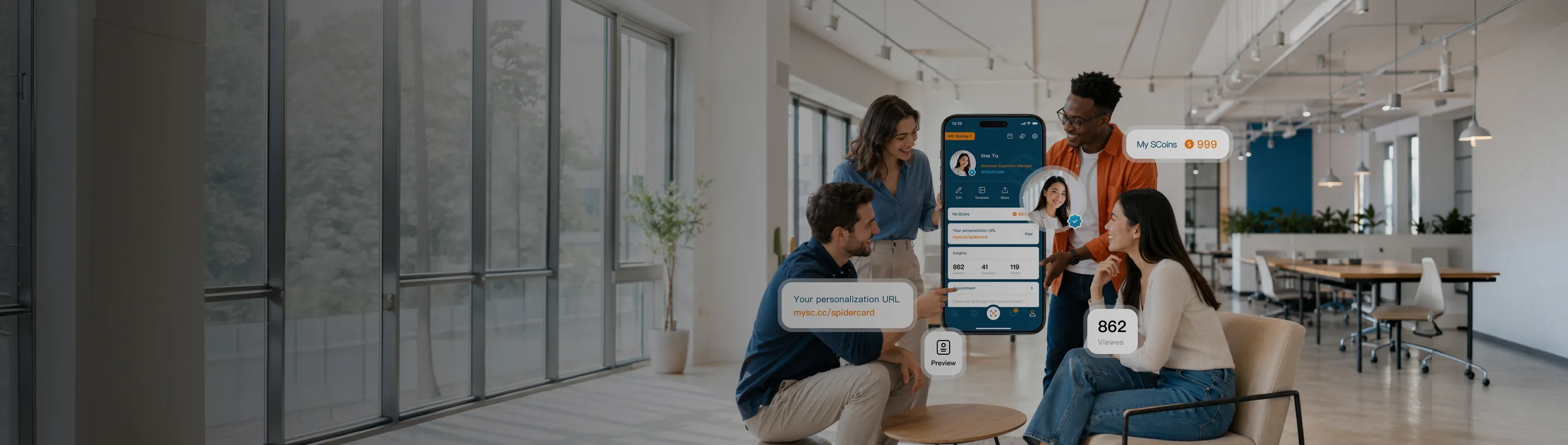
Edit your card anytime in the app.

Go Green

Environmentally friendly.

Expand Your
Business!

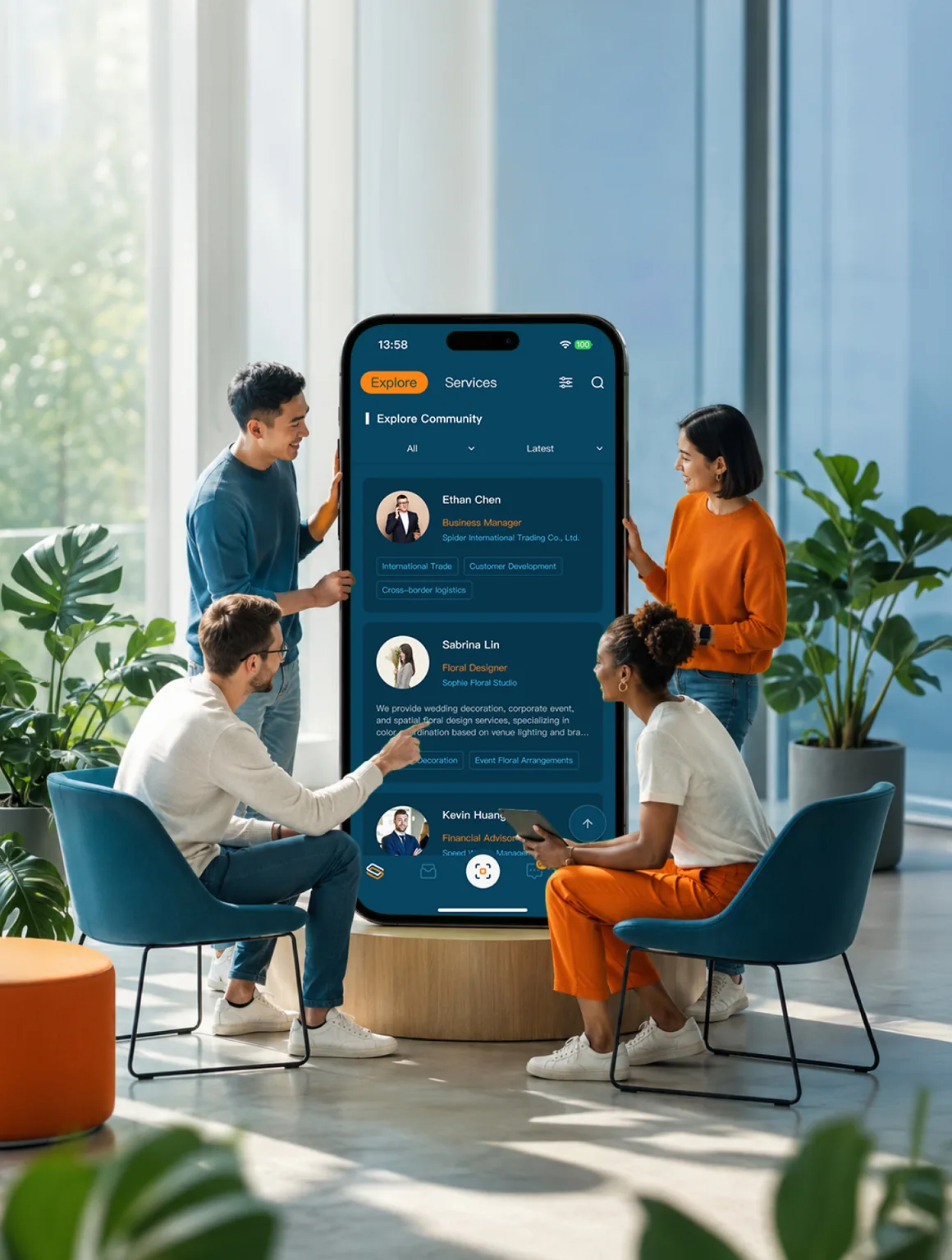
Your card can be found by others. share card freely to any platforms, like Mail, SMS, IM & social media to tell everyone who you are!

Appointment
Booking Service!

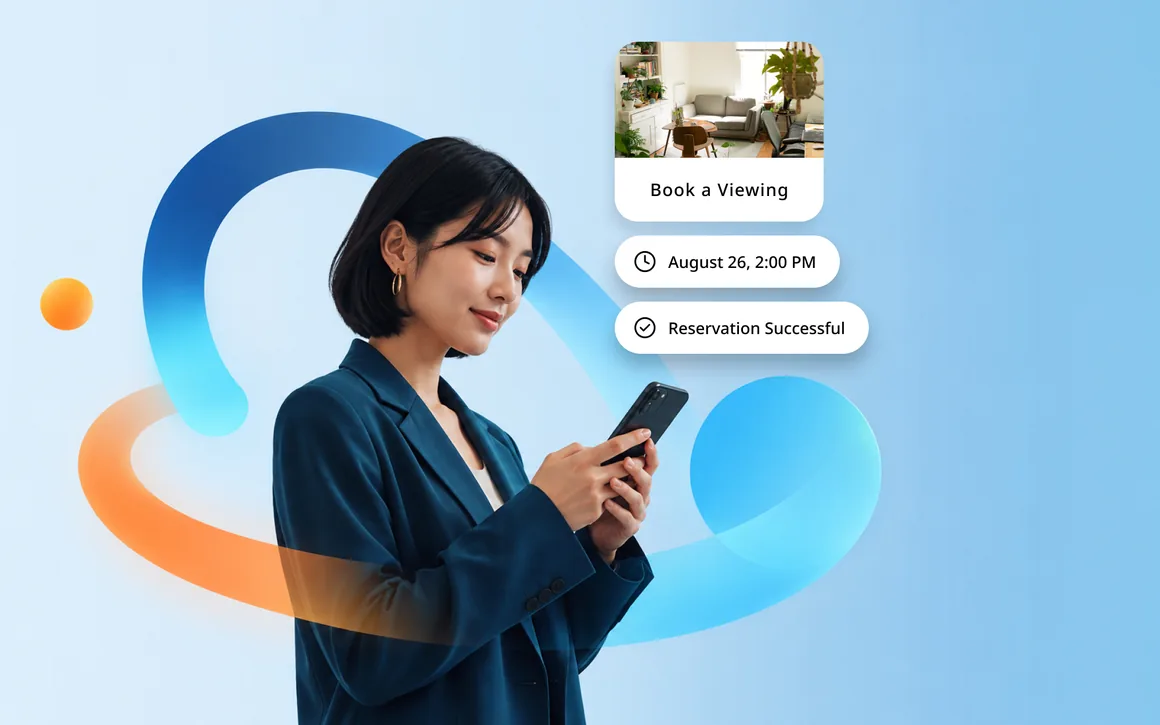
Create appointment service listings displayed on the card.managed through the app and saved to the calendar.

Scan & Store
Customer B-card

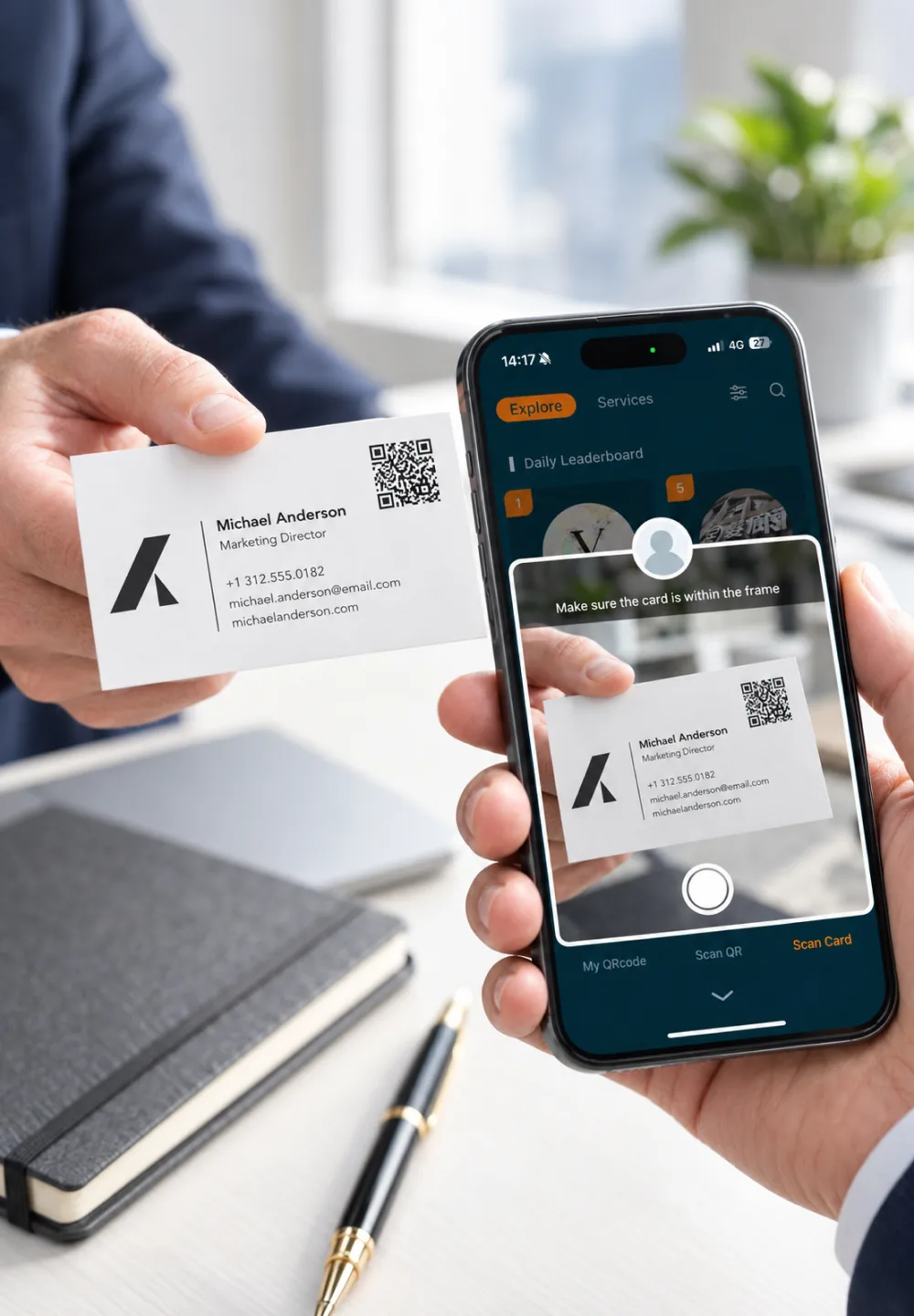
Capture and store b-card instantly,
with categorized management.

Integrate Social
Media Links.

Link your LINE, Instagram, Facebook & others, boosting your social traffic.

High Quality
NFC-cards

No need for paper or a phone,
just carry this card!
Learn more

Diverse Digital B-card

With over 20000+ users, top sales,
restaurant, freelancer, or artist, you can find a suitable professional template.
Create your first Digital B-card
Download APP for free & experience a new business model!

SPIDERCARD Q&A

If you have more questions about digital business cards, feel free to email us at support@spidercard.com and we'll get back to you as soon as possible.
What's the difference between the Personal and Business plans?
The Personal plan is completely free, letting individuals create and share digital business cards via the app, with optional paid coins for advanced features. The Business plan is a monthly subscription (NT$299-999/month) for companies managing multiple employee cards, including a web-based admin dashboard, verified business badges, bulk card creation, and a 14-day free trial.
Do I need to pay for the SpiderCard Personal plan?
No. SpiderCard Personal is completely free with no hidden charges. Core card features are free forever, with no coins required.
What is a digital business card?
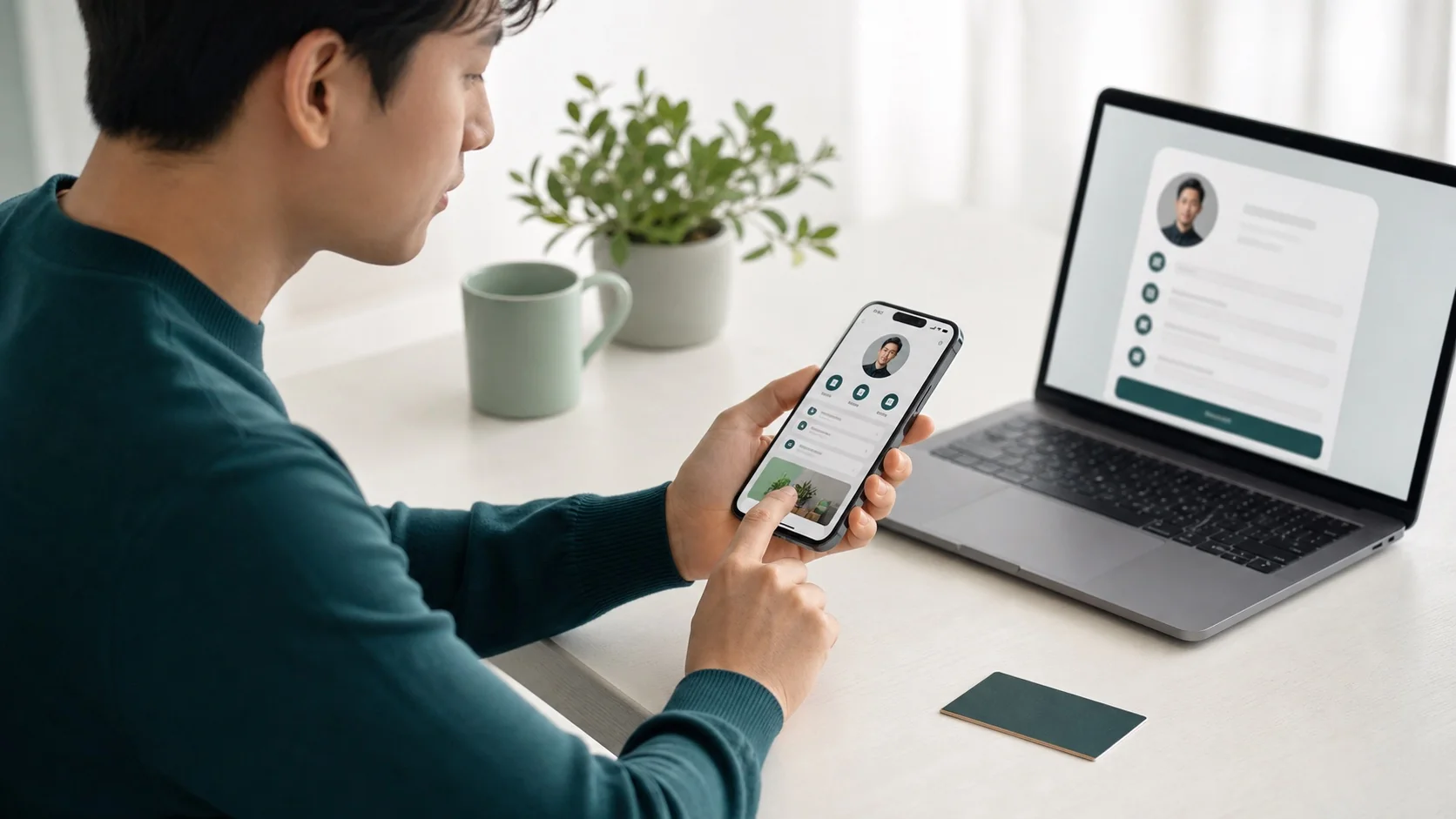
A digital business card packs your name, title, company, contact details, and social links into a single web page. Share it via a link, QR code, or NFC tap, and the other person can view it instantly and save it straight to their phone contacts — no printing, and no need to reorder cards every time you change jobs or update your info. With SpiderCard you can edit the content anytime, so whoever views it always sees the latest version.
Does SpiderCard support phone numbers outside Taiwan?
Yes. SpiderCard accepts international phone number registration, and overseas users can use it for free as well.
How do I use an NFC business card?
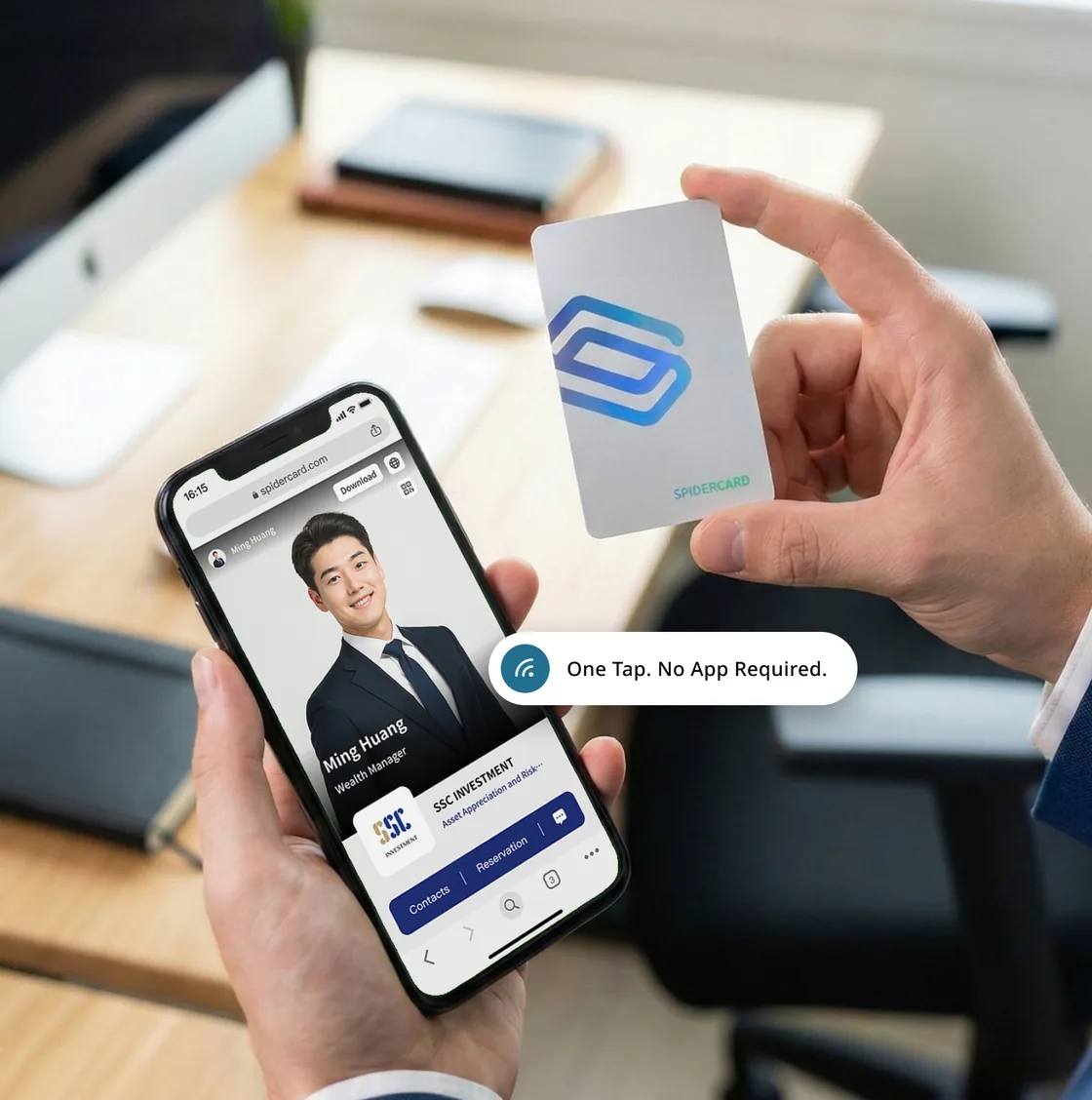
Just tap your SpiderCard NFC identity card against the back of an NFC-enabled phone, and your digital business card page opens automatically on their phone — no app install needed. The card also has a QR code printed on it, so if their phone doesn't support NFC, scanning that QR code opens your card just the same. From there they can save your contact (VCF download), message you online, or book an appointment directly on the page.
How do I buy coins in the app? Do they expire?
Coins can only be purchased inside the app — there's currently no other purchase channel. Once purchased, coins never expire.
How many cards can one account have? Can I switch between them?
One phone can be logged into up to five cards at once, and you can switch between them anytime — handy for separating identities like work and personal. Each card is logged in independently via phone number or NFC identity card.
How is a SpiderCard digital business card different from a paper one?
A paper card is fixed the moment it's printed — change your title or phone number and you have to reorder, and cards are easy to lose or forget to save. A SpiderCard digital business card can be edited online anytime, so your info is always current. Beyond an NFC tap, you can also share it via link or QR code, so you're never limited by how many cards you printed. Whoever receives it can save it to their contacts in one tap instead of tossing it aside — and it's more eco-friendly since there's nothing to keep reprinting.